The Crystal userland of WolOS
Cryswol
Write WolOS apps in one small, fast language.
What it is
Cryswol is the Crystal userland of WolOS: the language, the framework and the tooling you write apps in.
Cryswol
The Crystal library that reaches every WolOS system verb: windows, notifications, the clipboard, preferences, file panels, power, network, sound, Search, messages, devices, sharing and services. Typed objects, blocks and exceptions, never pointers.
Wolkit
The UI kit. A view is described once; state lives in signals; only the parts that read a signal change. Components, the interface guideline parts, a navigator, services and a test harness that needs no display.
Tooling
One pinned compiler, a signed list of libraries, four project templates, and rules a test enforces on every file. wol app new, wol app check and wol shard are the commands.
Below the system interface nothing changes: the daemons, the shell and everything that reads untrusted input stay as they are. Cryswol adds no privilege; the system still checks every permission.
Why, and a first app
Every WolOS call is an object. A native app takes minutes, not a toolkit and a weekend.
Why a language of our own choosing
The Crystal toolchain is small and comes from the base repositories. Its direction is not owned by a platform vendor. It reads like a script and compiles to a native program, so the person who uses your app gets a real window, not a browser in a window. Its C interface reads the WolOS header almost line for line, so every libwol call is one generated line. The decision, with its costs.
Why objects
A window, a notification, the clipboard, a file panel or the network is a Crystal object with typed methods. A failure raises an exception that carries WolOS's own sentence. A callback is a block. You never hold a pointer.
- The module
- Developer, ticked in the installer or added with wol modules install dev, brings Crystal, pkgconf, libwol and the cryswol shard, and nothing else you did not ask for.
- The program
- hello.cr asks the system for its version and its name, posts a notification, and waits for one theme event.
- The build
- One command. The shard sits under /usr/lib/wolos/crystal, which the build is told about; no shards tool and no network are needed.
- The result
- Run ./hello and switch to dark with wol theme dark: a notification appears and the program prints the theme event. A native program, talking to WolOS through objects.
require "cryswol"

Wol::Context.open("org.example.hello") do |ctx|
  puts "version: #{Wol.version_string}"
  puts "os: #{Wol::System.info(ctx).os_name}"
  Wol::Notification.post(ctx, "Hello", "from hello")
  puts "posted"
  seen = false
  ctx.subscribe("theme") do |event|
    puts "theme: #{event.json}"
    seen = true
    Wol::Loop.stop(ctx)
  end
  Wol::Loop.run(ctx, 10.seconds)
  abort "no theme event arrived" unless seen
end
The shard's own example, with the require an app writes.
$ crystal --version
$ CRYSTAL_PATH="/usr/lib/wolos/crystal:$(crystal env CRYSTAL_PATH)" crystal build hello.cr
$ ./hello
Check the compiler, build, run.
The DSL in 60 seconds
A whole to-do app. No colour, no pixel, no markup in it.
require "wolkit"

class Todos < Wolkit::App
  @items = list(String)
  @draft = signal("")

  def view
    window "Todos", width: 420, height: 560 do
      column gap: :md, pad: :lg do
        row gap: :sm do
          text_field @draft, placeholder: "What needs doing?", grow: 1, on_submit: -> { add }
          button "Add", primary: true, disabled: @draft.blank?, on_click: -> { add }
        end
        each @items, key: ->(t : String) { t } do |todo|
          row { text todo, grow: 1; icon_button :trash, label: "Delete #{todo}", on_click: -> { @items.delete(todo) } }
        end
        text "#{@items.size} left", role: :caption
      end
    end
  end

  def add
    @items << @draft.value.strip unless @draft.blank?
    @draft.value = ""
  end
end

Wolkit.run Todos
Step 5 of the tutorial. Every program in the tutorial compiles against the shard as it is.
require "spec"
require "wolkit/test"
require "./todos"

describe Todos do
  it "adds and deletes a todo" do
    Wolkit::Test.run(Todos) do |t|
      t.type "milk", into: "What needs doing?"
      t.click "Add"
      t.text("1 left").should eq "1 left"
      t.click "Delete milk"
      t.text("0 left").should eq "0 left"
    end
  end
end
The test, from step 7. It starts the real engine with no display and drives it with pointer and key events.
view runs once
It does not draw: it describes. Wolkit remembers which part read which signal.
signal(0) is state
Writing it runs the one small effect that reads it, and one patch goes to the engine. Nothing else is touched.
each follows a list
Adding a todo builds one row; deleting one frees exactly that row. No diff, no rebuild of the list.
Names, not numbers
Spacing and type come from the design scale (:md, :caption). gap: 13 is a compile error that lists the scale; a colour must be a theme token.
Labels are required
Leave label: off an icon_button and the compiler stops at your line: screen readers and tooltips use it.
The kit
Fast things in the engine, pleasant things in the shard.
Cryswol shard
require "cryswol". Every libwol call as a Crystal method, specs against a fake system service, opt-in package calls. A blocking call (a file panel, the share sheet) runs through Wol.background so the window never waits.
Wolkit shard
require "wolkit". The DSL, signals, computed values and effects, components with typed props, app_window, toolbar, sidebar, sheet, menu, tabs, a typed navigator, services that show a refusal instead of raising, and a development build that restyles a running window.
libWolkit engine
Scene, style, layout, text, paint (CPU, or Vulkan), input and the accessibility tree, in Rust, behind a versioned C interface. Apps send patch streams and read event records: no callbacks, no call per part.
Style language
.wolcss: selectors and properties whose values are theme tokens. wolkit-stylec compiles sheets ahead of time, after the kit's own look, so dark mode, contrast and the accent colour follow with no code.
Test harness
Wolkit::Test.run starts the real engine with no display, clicks and types, reads text and the accessibility tree, and takes a screenshot that is the same on every machine.
Measured
- 285 bytes
- allocated per interaction: a text change, one effect, one patch (budget 8 KB)
- 0 bytes
- allocated at idle, over 10,000 turns of the loop
- 0.39 ms
- worst frame under a UI allocation pattern with the idle collection policy
- 0.65 ns
- per call across the C interface
Every number and how it was taken: Wolkit benchmarks. The full reference is Wolkit, libWolkit and the style language.
Templates and wol app new
A project that builds and passes its own checks the moment it exists.
--template appA window with a view, a component, a style sheet and a headless spec. The default.
--template cliA command-line program. The only template allowed to switch the garbage collector off: a short command may skip it, a program with a window or a loop may not.
--template toolA program over the same bindings for longer jobs.
--template aiA server that offers tools to AI helpers, with its own spec and notes for the AI agents that work on it.
$ wol app new notes
$ cd notes
$ wol app run --watch
$ wol app check
wol app run --watch starts a development build: a saved sheet restyles the window with no restart, a saved file rebuilds and the new process keeps the state. wol app check runs the same rules as the WolOS repository.
# SPDX-License-Identifier: BSD-2-Clause
# The main window of Notes. A view runs once, at mount; state lives in signals, and only the
# parts that read a signal change when it does. Edit the text below while `wol app run --watch` is
# running and watch the window follow.
class Notes
  # The window: a greeting, a line that follows the count and the button that raises it.
  def view
    window "Notes", width: 360, height: 240 do
      column grow: 1, gap: :md, pad: :lg, align: :center, justify: :center do
        greeting name: "WolOS"
        text "You pressed the button #{@presses} times.", role: :secondary, color: :dim
        button "Press me", primary: true, on_click: -> { @presses.value += 1 }
      end
    end
  end
end
The window the app template writes, as wol app new notes fills it in.
# SPDX-License-Identifier: BSD-2-Clause
# Greeting: a small component with one typed prop. `greeting name: "WolOS"` in a view mounts it.
class Greeting < Wolkit::Component
  prop name : String

  # One title line with the name.
  def view
    text "Hello, #{@name}!", role: :title
  end
end
A component with one typed prop. greeting name: "WolOS" in a view mounts it.
require "cryswol"

Wol::Context.open("org.example.hello") do |ctx|
  puts "version: #{Wol.version_string}"
  puts "os: #{Wol::System.info(ctx).os_name}"
  Wol::Notification.post(ctx, "Hello", "from hello")
  puts "posted"
  seen = false
  ctx.subscribe("theme") do |event|
    puts "theme: #{event.json}"
    seen = true
    Wol::Loop.stop(ctx)
  end
  Wol::Loop.run(ctx, 10.seconds)
  abort "no theme event arrived" unless seen
end
The shard's own example: the system version, a notification, and one theme event.
Gallery, the first app
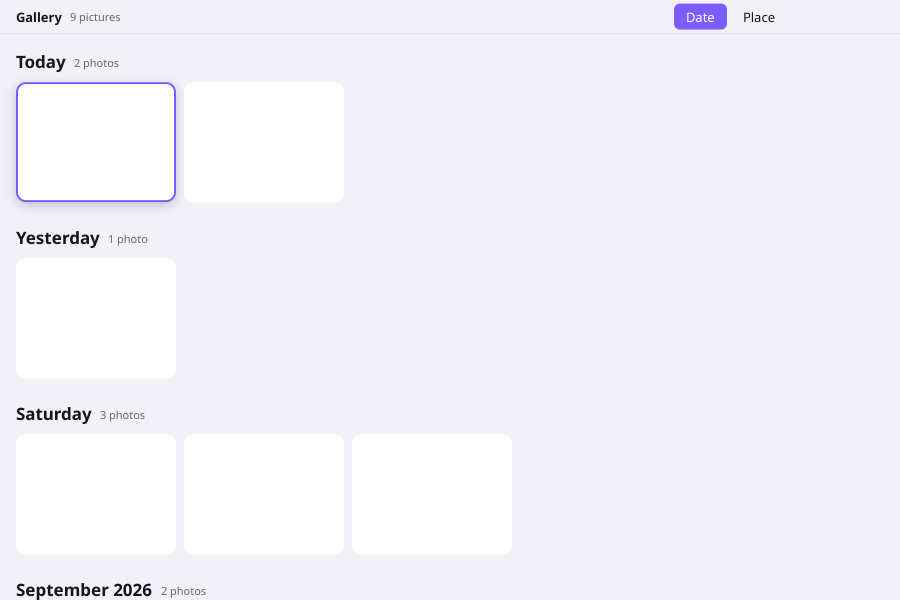
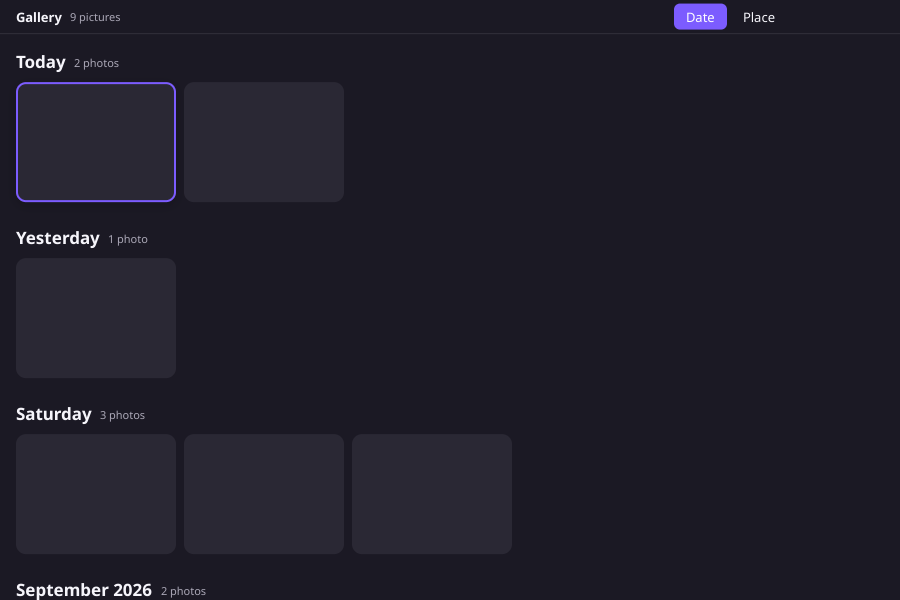
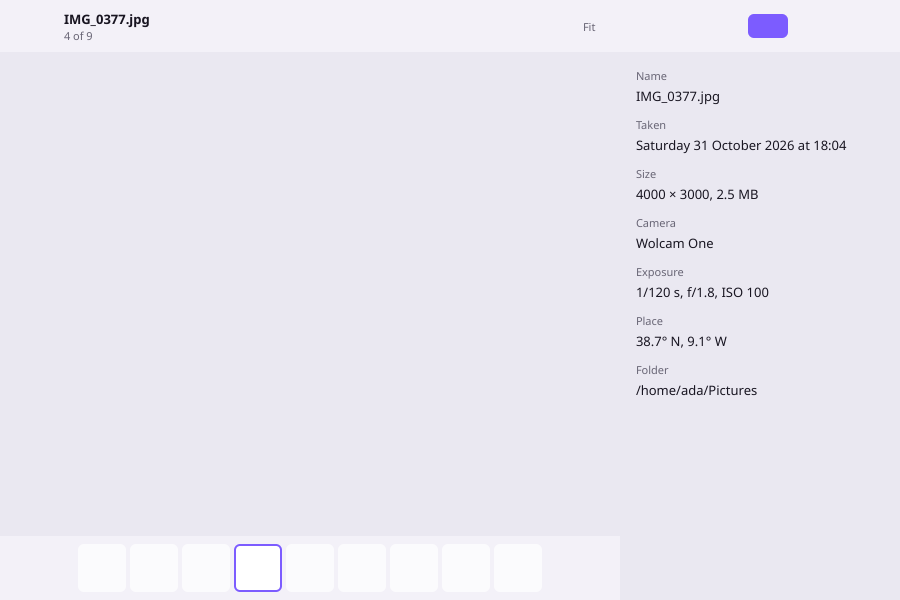
The picture library of WolOS, rebuilt on Wolkit.
By date or by place, a viewer with zoom, a filmstrip and an info panel, a slideshow, and Delete with Undo. Every screen is drawn by the engine itself, light and dark, wide and narrow. Here are four of them.
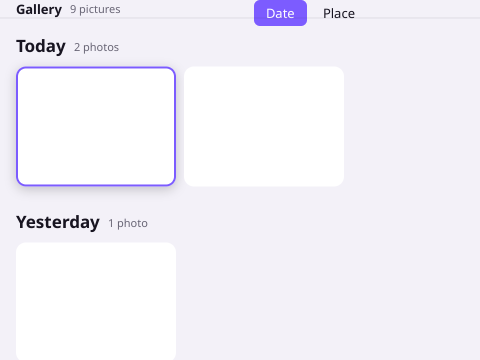
More about the app: Gallery.
The policy
A language with a standard, enforced by machines, not by habit.
One pinned compiler
One file holds the one Crystal version WolOS builds and tests with, crystal >= 1.22.0. Every shard.yml, every recipe, every build and the docs are checked against it.
Advisories
Security advisories for the compiler, the collector, LLVM and the shards go into one list. A version below a fix fails the rules until the snapshot moves and every program that compiles Crystal is rebuilt.
The standard library, by rule
Data from outside decodes into types, network clients set timeouts, TLS verification stays on, tokens come from the secure random source, a command is a program and an argument array.
No fetching at build time
A package build never fetches a shard: it arrives with a checksum and installs from the lock, offline.
Some of the rules
- RCR-010
- No raw pointers outside the binding files.
- RCR-020
- A command is a program plus an argument array: no shell strings.
- RCR-021
- No code built or loaded at run time.
- RCR-022
- Network clients set connect and read timeouts.
- RCR-024
- JSON and YAML from outside decode into types.
- RCR-040
- Every dependency is pinned by its full commit.
- RCR-051
- The collector is switched off only in the cli template.
- RCR-052
- Every public method has a doc comment.
Each rule has an id, a reason and a test that reads the sources. The whole catalogue: Crystal rules.
Start here
Install the Developer module, follow the tutorial, and say what you would build.
- Your first Wolkit appA to-do list in eight steps
- Read the manualCryswol, Wolkit, shards and the rules
- Say what you would buildOpen an issue on the WolOS repository
The decisions: Crystal is the userland language · libWolkit and Wolkit · The announcement
Logo files: SVG · PNG 1024 · PNG 512 · PNG 64 · Single-colour SVG